

Check Your Balance. Understand the Difference.
Compare your recorded account balance with a bank statement. Save the result, review any difference and return to the account activity that needs attention.
- Statement balance checks
- Saved comparison history
- Review account activity
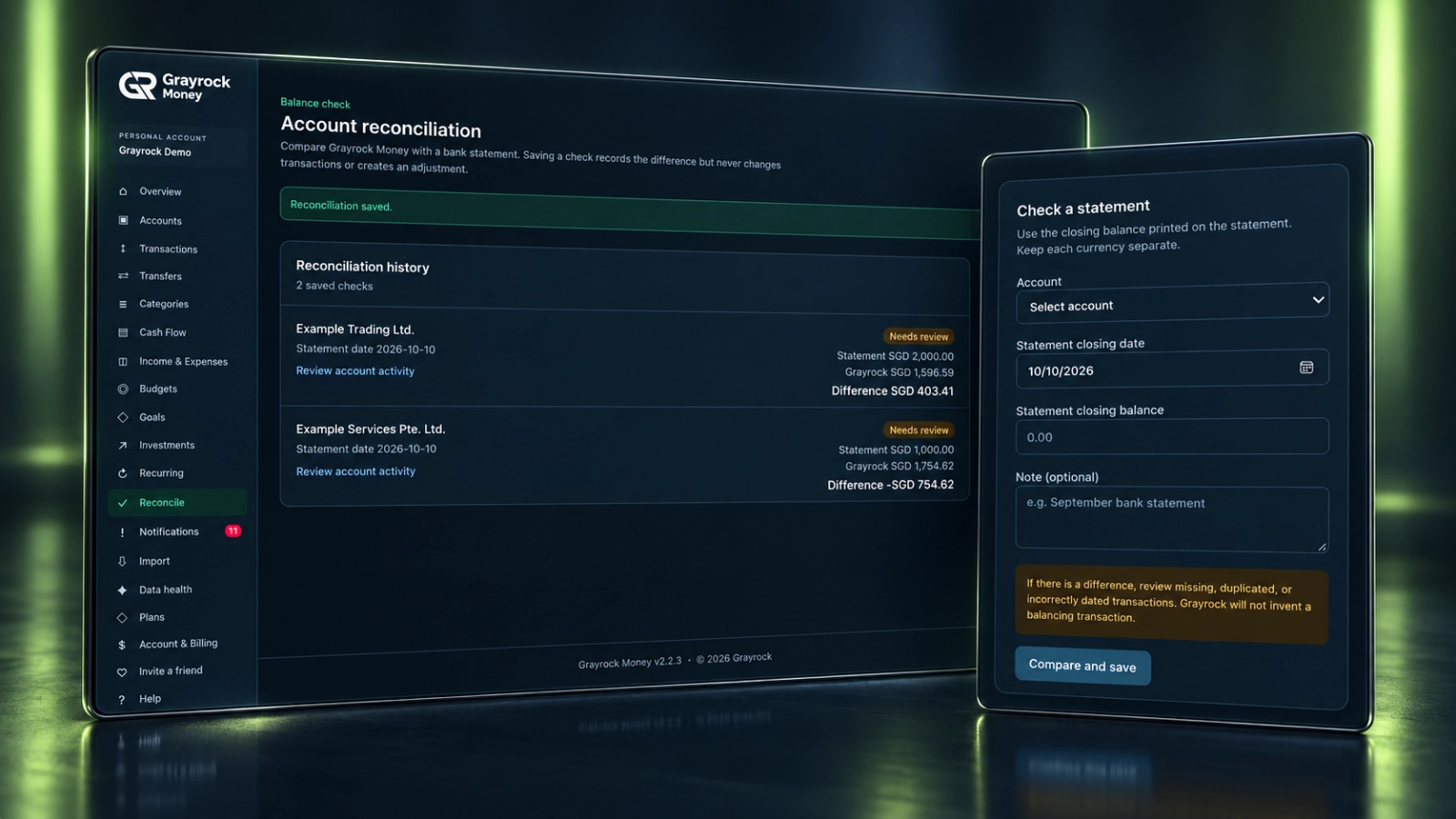
Give Each Balance Check a Clear Record.
Keep the account, statement date and comparison result together so you can review what matched and what needs attention.
Choose the Account
Select the account you want to check against its statement, keeping each currency separate.
Enter Statement Details
Record the statement’s closing date and closing balance, with an optional note for context.
Compare the Balances
See the statement balance alongside the Grayrock balance and the difference between them.
Keep a Check History
Save the comparison and return to the account activity when a difference needs investigation.
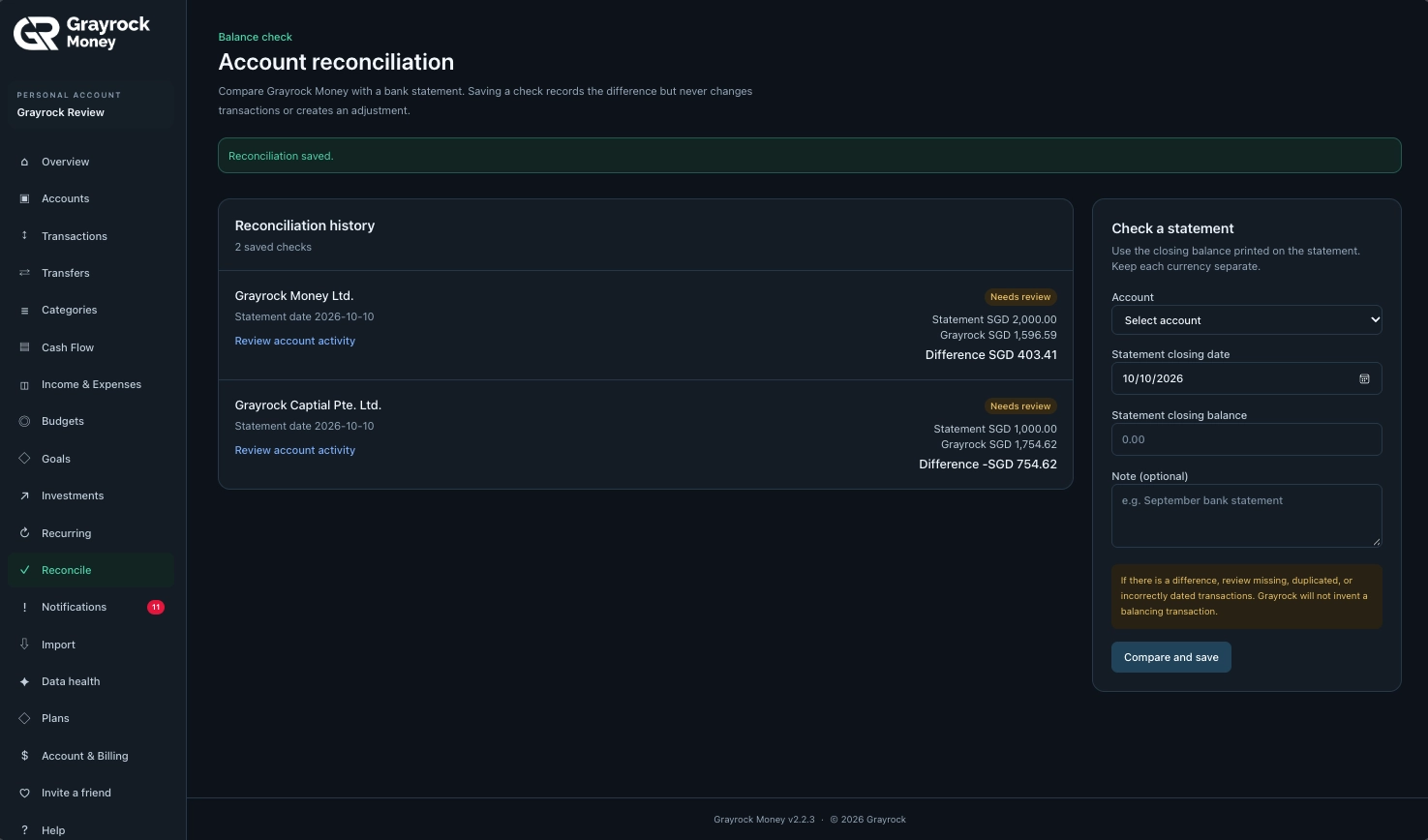
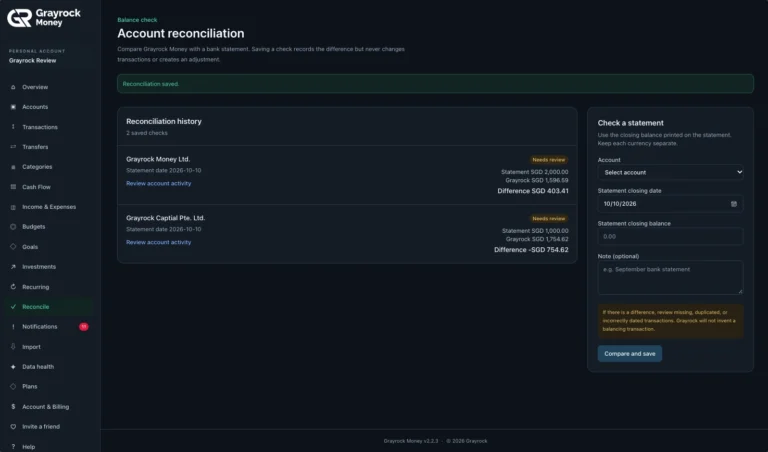
Account Reconciliation History
Review saved balance checks and investigate differences.
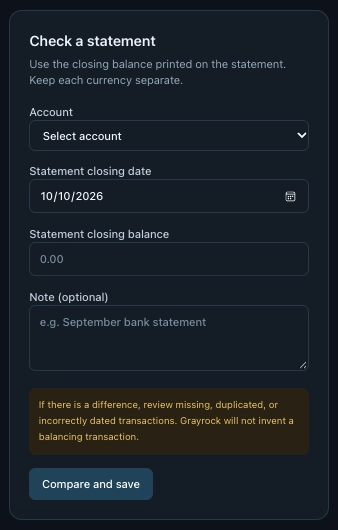
Check a Statement Balance
Set up an account with its currency, classification and starting balance.
Save the Check. Follow Up on the Difference.
Review previous comparisons in your reconciliation history. Each saved check keeps the account, statement date and balance figures visible, with a route back to account activity.
Review Saved Checks
Find Items Needing Review
Return to Account Activity
A Difference Is a Starting Point for Review.
If the balances differ, compare the underlying records with your statement. Missing, duplicated or incorrectly dated transactions are useful places to begin.
Missing Records
Check whether activity shown on the statement has been entered or imported into Grayrock Money.
Duplicate Records
Look for transactions recorded more than once, including activity added manually and later imported.
Incorrect Dates
Check that transaction dates place the activity on the correct side of the statement closing date.
Check a Statement in Three Steps.
About Reconciliation
Understand what a statement check records and how to follow up when balances differ.
What does account reconciliation do?
It compares an account’s recorded balance in Grayrock Money with the statement closing balance you enter. The saved check shows both figures and their difference.
What information do I need?
Choose the account and enter the statement closing date and closing balance. You can also add an optional note to identify the statement or provide context.
Does saving a check adjust my account balance?
No. Saving a check records the comparison only. It does not change transactions or create an adjustment.
What should I do if the balances differ?
Review the account activity against the statement. Check for missing records, duplicate transactions, incorrect dates or other entry errors, then correct the relevant records.
Can I review earlier checks?
Yes. Reconciliation history shows saved checks with their account, statement date, balance figures and difference.
Can I check accounts in different currencies?
Check each account using its statement currency. Keep currencies separate rather than combining amounts into a single comparison.
Does a matching balance prove every transaction is correct?
No. Matching totals confirm that the compared balances agree, but individual errors can sometimes offset one another. Review transaction details when needed.
Does Grayrock Money connect to my bank to perform the check?
This workflow uses the statement details you enter. It does not establish a bank connection or automatically retrieve your statement.
Bring More Clarity to Your Account Checks.
Compare statement balances, keep a history of your checks and follow up on differences with Grayrock Money.