
Book your free demo

Discover how our product can simplify your workflow. Schedule a free, no-obligation demo today.

[contact-form-7 id="eed60bd" title="Get a demo - Side Panel"]

Social Media:

GRAYROCK MOBILE APPS

Your Grayrock Apps. Within Reach.

Manage your everyday money and keep your trading review close. Get Grayrock Money or Grayrock Trading Journal on your mobile device and bring your workspace into your daily routine.

  • Two focused apps
  • Mobile access
  • Your product account
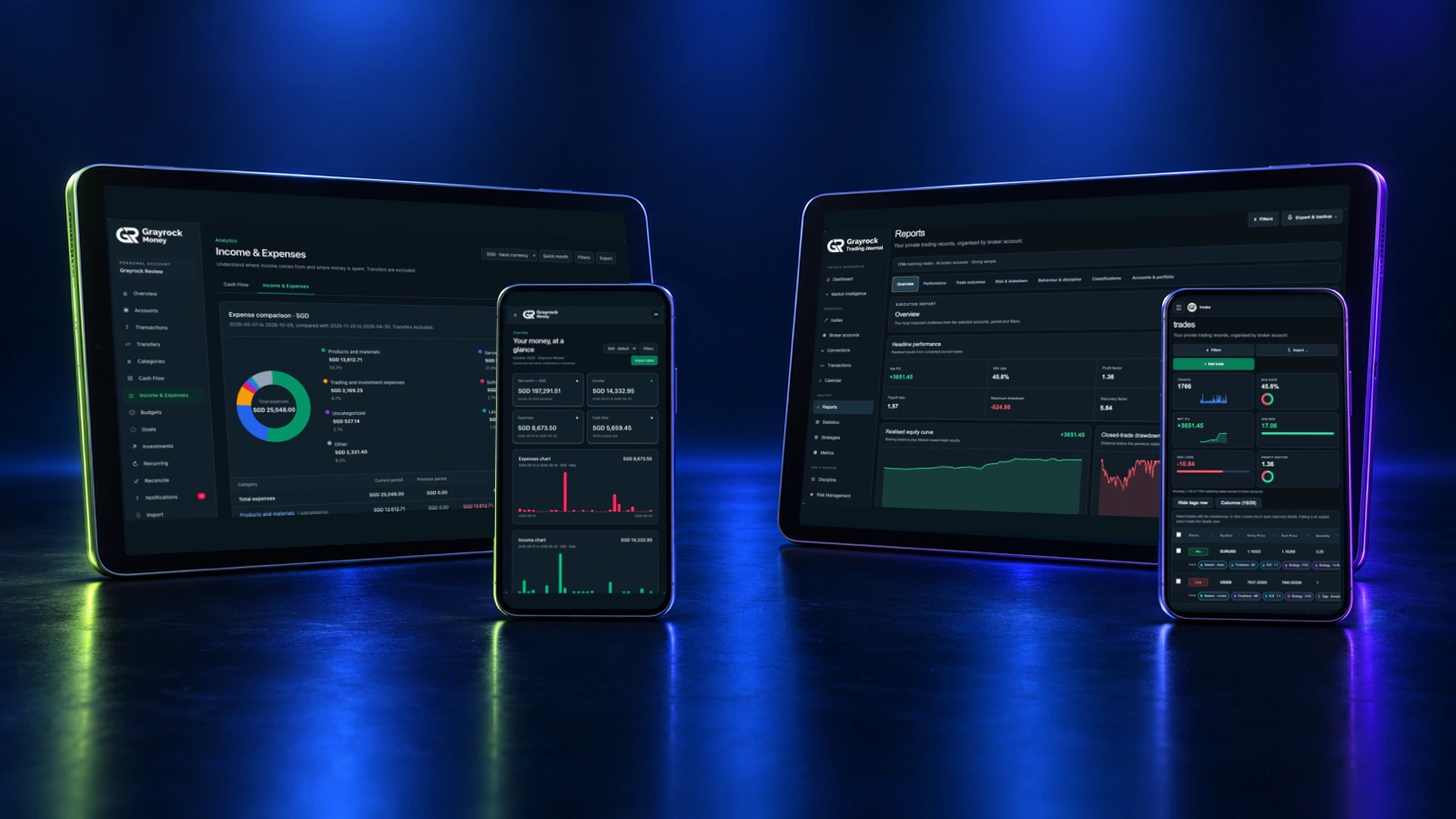
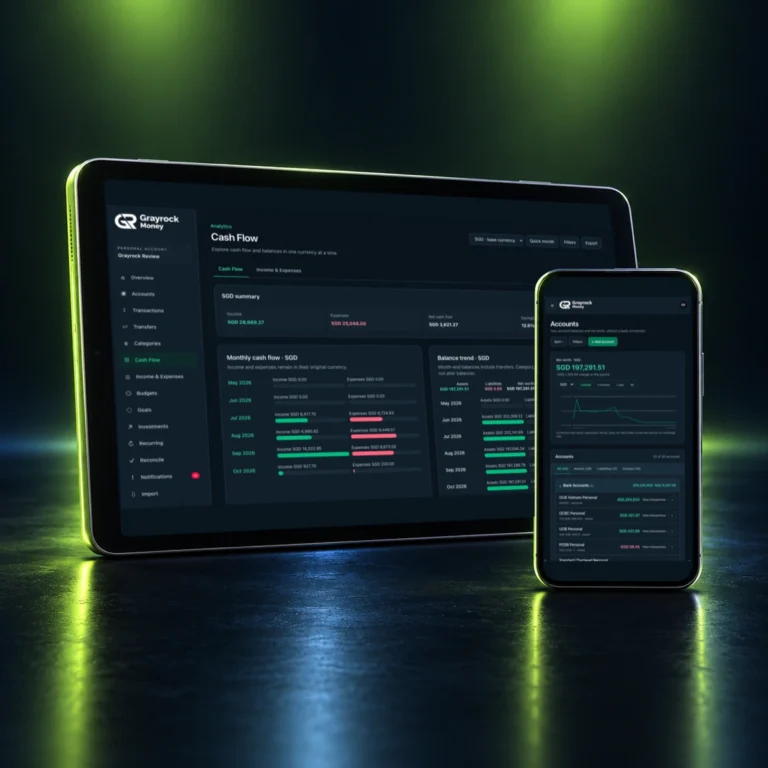
Grayrock Money on a smartphone showing financial accounts and transactions.
CHOOSE YOUR APP

Two Apps. Different Everyday Needs.

Choose the workspace for what you want to organise—your everyday finances or your trading history.

Grayrock Money Mobile App
Grayrock Money

Keep your everyday finances within reach. Review accounts, income and expenses, follow your financial plans and stay connected to your money-management routine.

  • Review accounts and transactions
  • Follow budgets and financial goals
  • Keep your financial records organised
AVAILABLE NOW
Install Grayrock Money
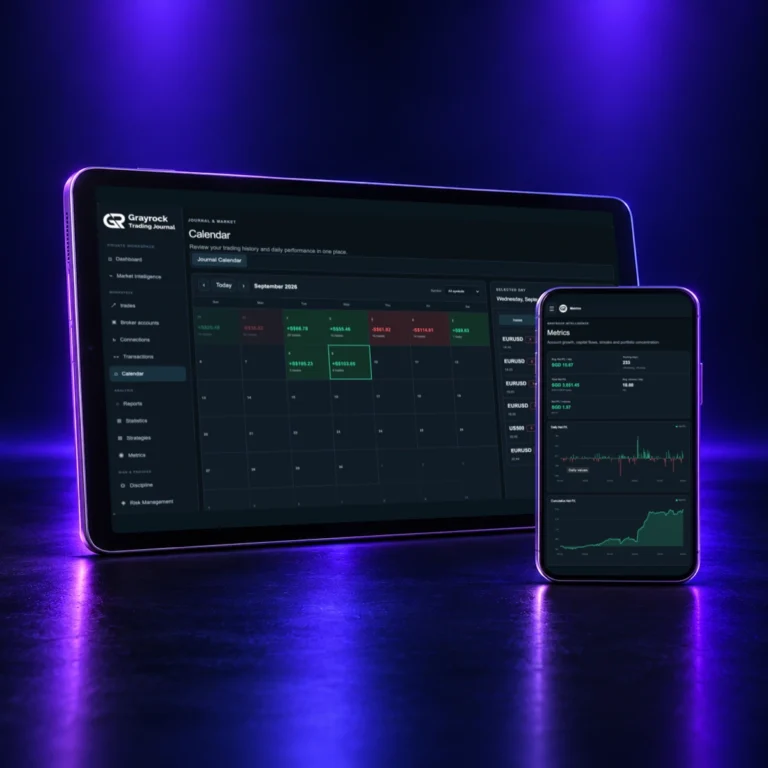
Grayrock Trading Journal on a smartphone showing trading records and review tools.
Grayrock Trading Journal

Keep your trading records and review routine close. Record trades, revisit performance and track your rules and habits from your mobile device.

  • Record and review trades
  • Explore performance and trading context
  • Maintain your discipline routine
AVAILABLE NOW
Install Trading Journal
BUILT FOR YOUR ROUTINE

Keep the Important Details Close.

Use the tools that fit your day, from checking financial records to reviewing the decisions behind your trades.

Review Your Accounts

Keep account records together and review your financial position.

Follow Income & Expenses

Revisit transactions and understand where your money comes from and goes.

Review Your Plans

Keep budgets and financial goals in view as part of your regular review.

Record Your Trades

Add trades manually and keep strategies, tags and notes alongside your records.

Review Your Performance

Revisit trading history, account results and the patterns in your recorded activity.

Maintain Your Discipline

Review trading rules, scheduled habits and daily consistency.

GET STARTED

Choose Your App. Follow the Installation Steps.

Open the official installation page on the device you want to use. Follow the guidance provided for your app, device and browser.

GRAYROCK MONEY

Install Grayrock Money

  1. Open the Grayrock Money installation page on your device.
  2. Follow the installation guidance shown.
  3. Open Grayrock Money and sign in with your Money account.
  4. Start reviewing your financial records.

TRADING JOURNAL

Install Grayrock Trading Journal

  1. Open the Trading Journal installation page on your device.
  2. Follow the installation guidance shown.
  3. Open Grayrock and sign in with your Trading Journal account.
  4. Continue recording trades and reviewing your process.
Installation options can vary by device and browser. Each app’s installation page provides the relevant guidance.
YOUR APPS. YOUR WORKSPACES.

A Familiar Place to Continue.

Sign In to the Right Product

Use your Grayrock Money account for Money and your Trading Journal account for Trading Journal.

Keep Your Records Organised

Money management and trading review have different needs. Each app gives its records a dedicated workspace.

Continue on the Web

You can still access each product through its website. Mobile access gives you another way to return to your workspace.

QUESTIONS & ANSWERS

About Grayrock Mobile Apps

Grayrock Money and Grayrock Trading Journal are available. Choose the relevant installation button on this page to open the app’s official installation page.

Which Grayrock apps are available?

Grayrock Money and Grayrock Trading Journal are available. Choose the relevant installation button on this page to open the app’s official installation page.

Which app should I choose?

Choose Grayrock Money to organise everyday financial records, accounts, income, expenses and plans. Choose Grayrock Trading Journal to record trades, review performance and maintain your trading process.

Are Money and Trading Journal one app?

No. They are separate products designed for different workflows. You can use the product that fits your needs, or both.

Where do I install the apps?

Use the official installation pages linked here. Grayrock Money installs through money.grayrock.asia/install, and Trading Journal through journal.grayrock.asia/install. Follow the guidance shown for your device.

Do I need a new Trading Journal account for mobile access?

No. Sign in with the same Trading Journal account you use on the website.

Does installing an app include all its features?

Feature access depends on the account and plan for the relevant product. See each product’s pricing page for the available plans and included features.

Can I use the apps on more than one device?

You can access your product workspace from supported devices. Sign in to the relevant product account and follow its installation guidance where available.

Can I use Trading Journal without an internet connection?

An internet connection is required to view or update private trading information. Private journal records are not stored in the app’s offline cache.

Can I continue using the websites?

Yes. Mobile installation does not replace browser access. You can continue opening Grayrock Money and Grayrock Trading Journal through their websites.

Where can I get help with installation?

Start with the guidance on the relevant app’s installation page. If you still need assistance, visit Grayrock Help & Support.

TAKE GRAYROCK WITH YOU

Your Next Review Starts Here.

Check your finances, revisit your trades and keep your records part of your everyday routine. Choose your Grayrock app to get started.